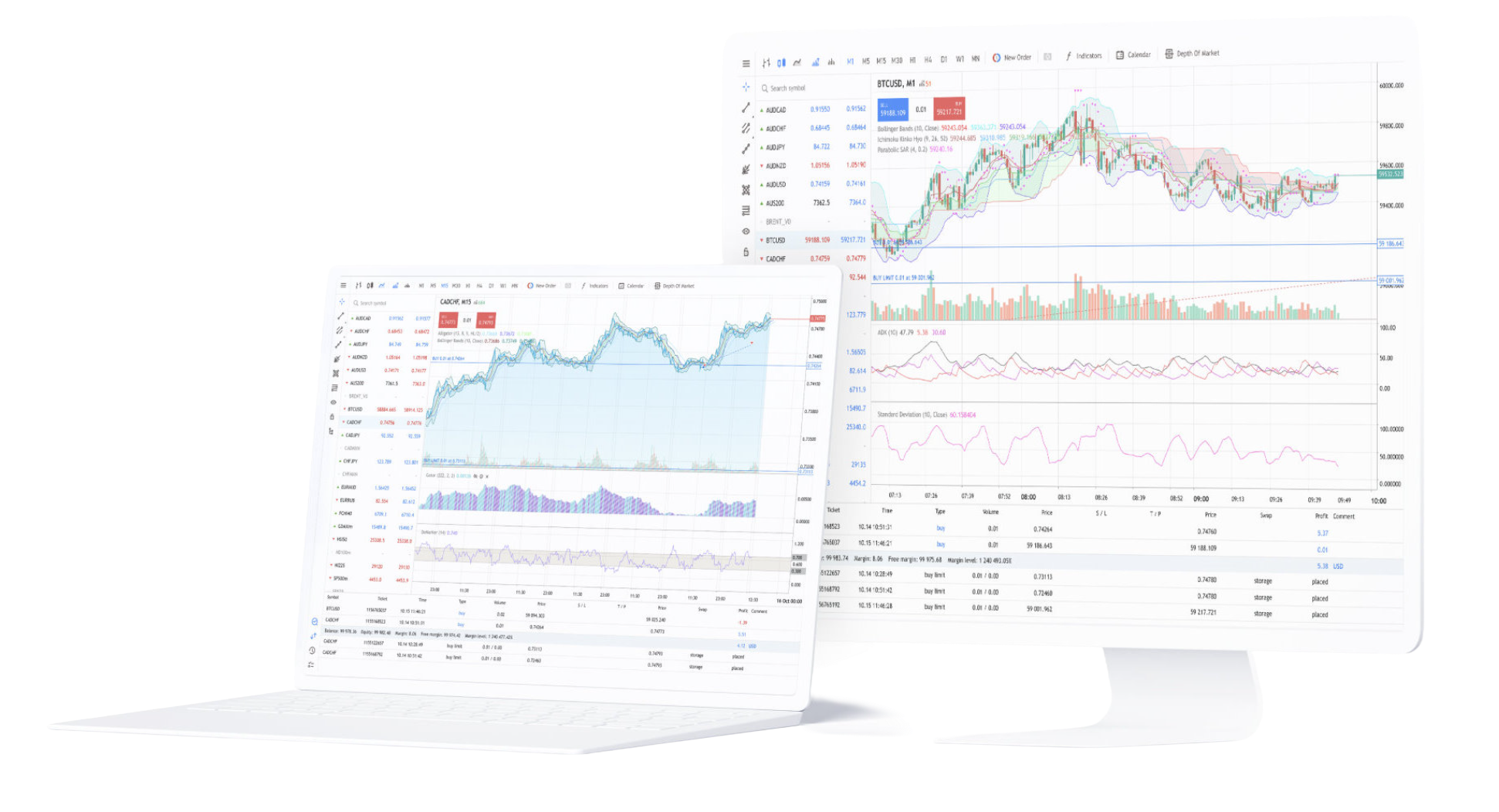

Download MetaTrader 4

Windows, macOS, Linux, mobile apps and browser access

Choose the MetaTrader 4 version for your device

MetaTrader 4 is available through the Windows desktop terminal, a macOS installer, Linux with Wine, mobile apps for supported smartphones and tablets, and WebTerminal for browser access. Installing MT4 does not create a live trading account. After installation, use your trading account login, password and matching broker server to load quotes, symbols, positions and trading permissions.

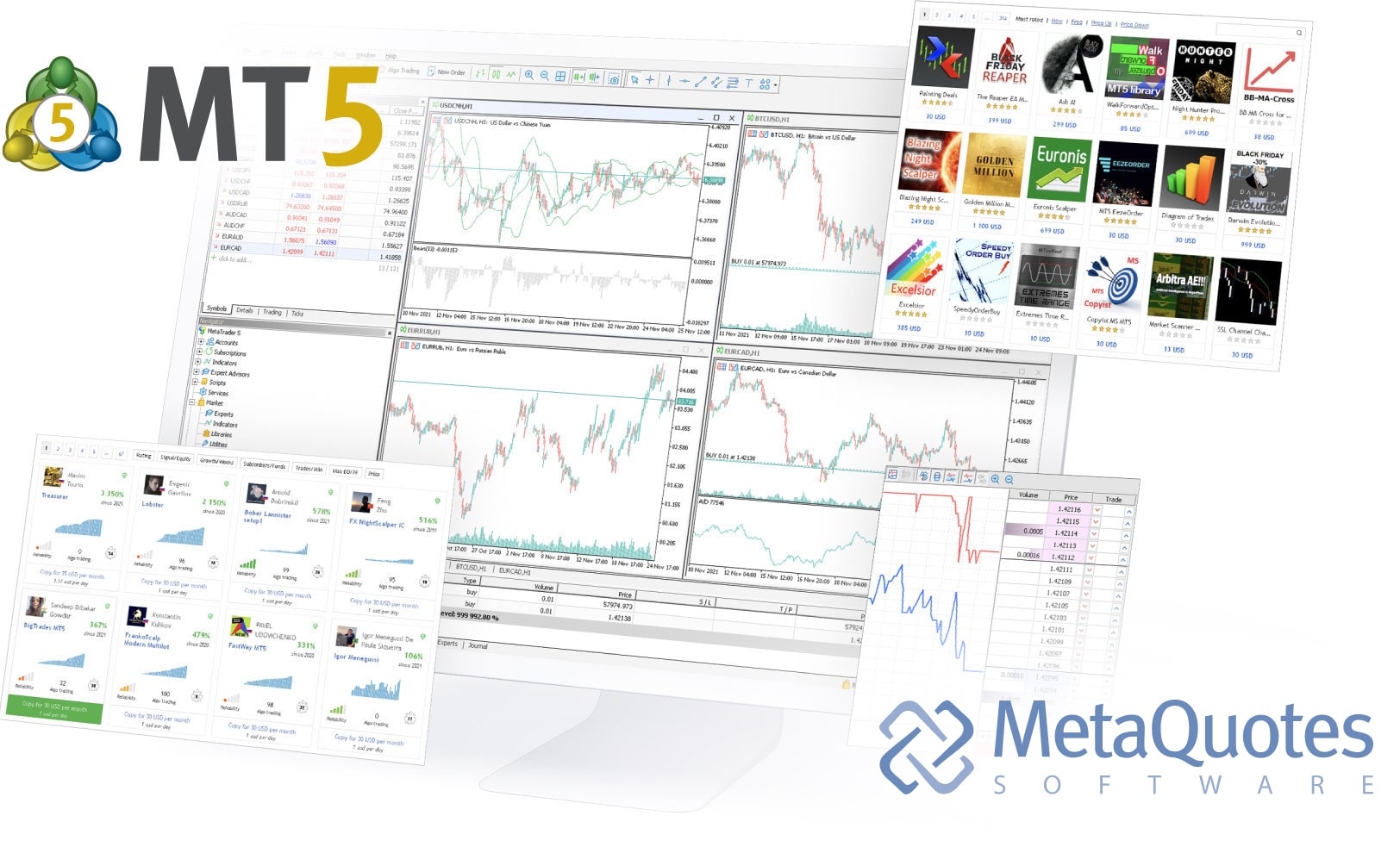
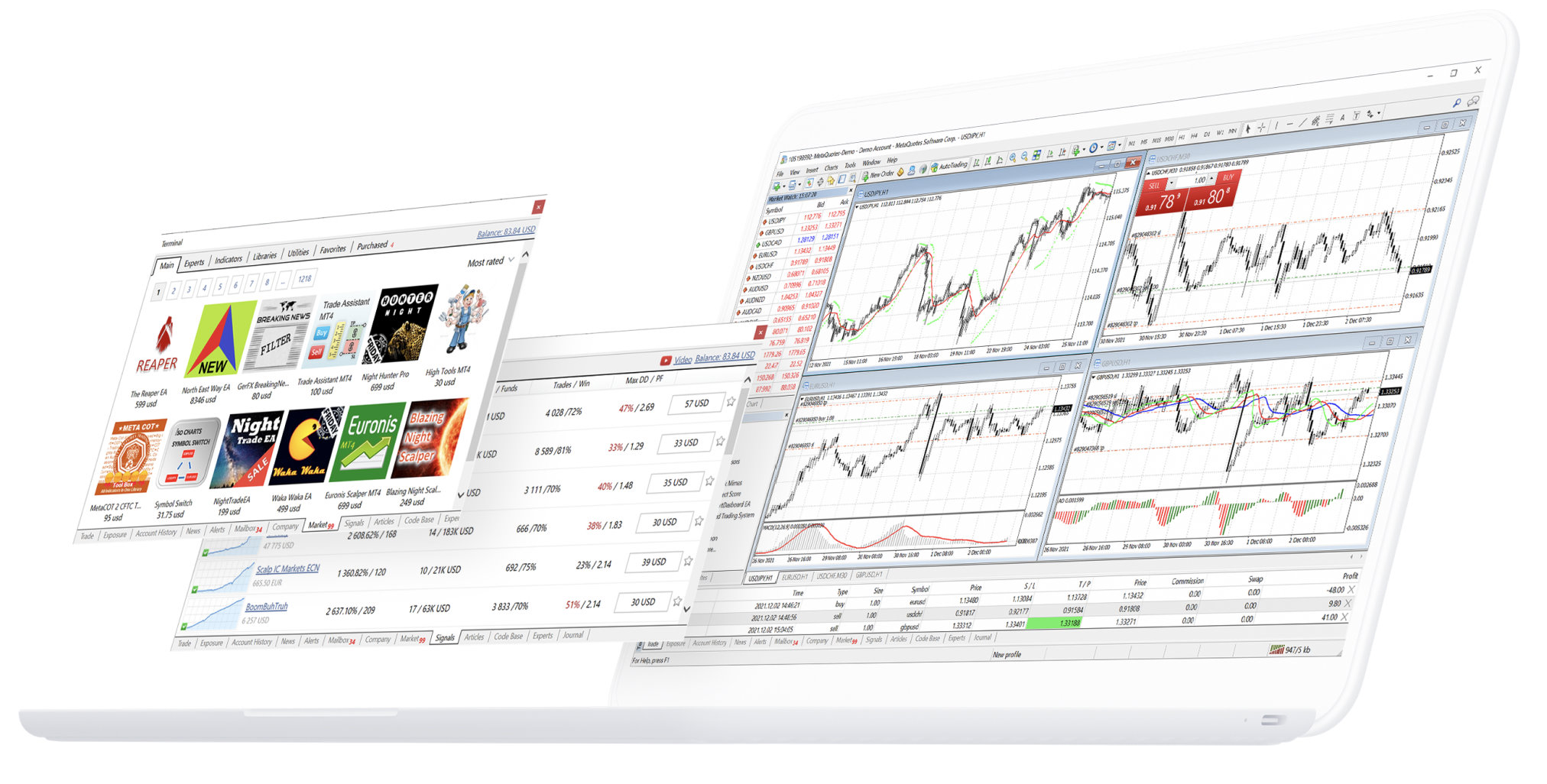
MetaTrader 4 desktop trading terminal

MetaTrader 4 for Windows, macOS and Linux

The MetaTrader 4 desktop environment provides the full chart workspace, technical-analysis tools, MQL4, Expert Advisors, MetaEditor and Strategy Tester. Windows runs the Client Terminal directly. The macOS installer automatically configures the required Wine environment, while MetaTrader 4 on Linux also runs through Wine. After installation, a broker account and matching server are still required to receive trading data and submit orders.

MetaTrader 4 desktop terminal for Windows, macOS and Linux

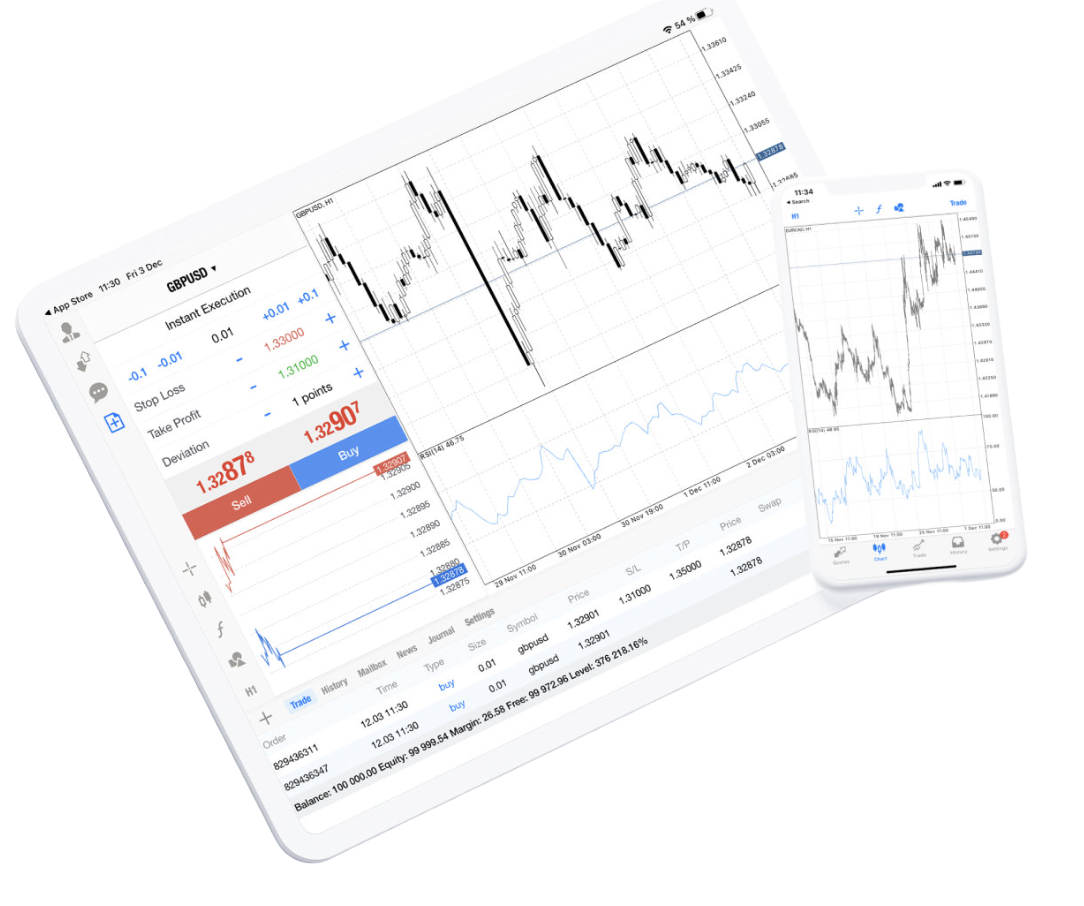
MetaTrader 4 for iPhone and iPad

MetaTrader 4 for iPhone and iPad connects an existing trading account to the selected broker server. Once signed in, the mobile terminal can display quotes, interactive charts, open positions, pending orders, account information and trading history. MQL4 development, Expert Advisor execution, MetaEditor and Strategy Tester remain desktop-terminal functions.

  • Connect an existing MetaTrader 4 trading account
  • Sign in with the account login, password and broker server
  • View broker-supplied symbols and real-time quotes
  • Use mobile charts and technical indicators
  • Review balance, margin and account status
  • Monitor open positions and pending orders
  • Place and manage supported mobile trading orders
  • Review account history while connected to the server
MetaTrader 4 trading terminal on iPhone and iPad

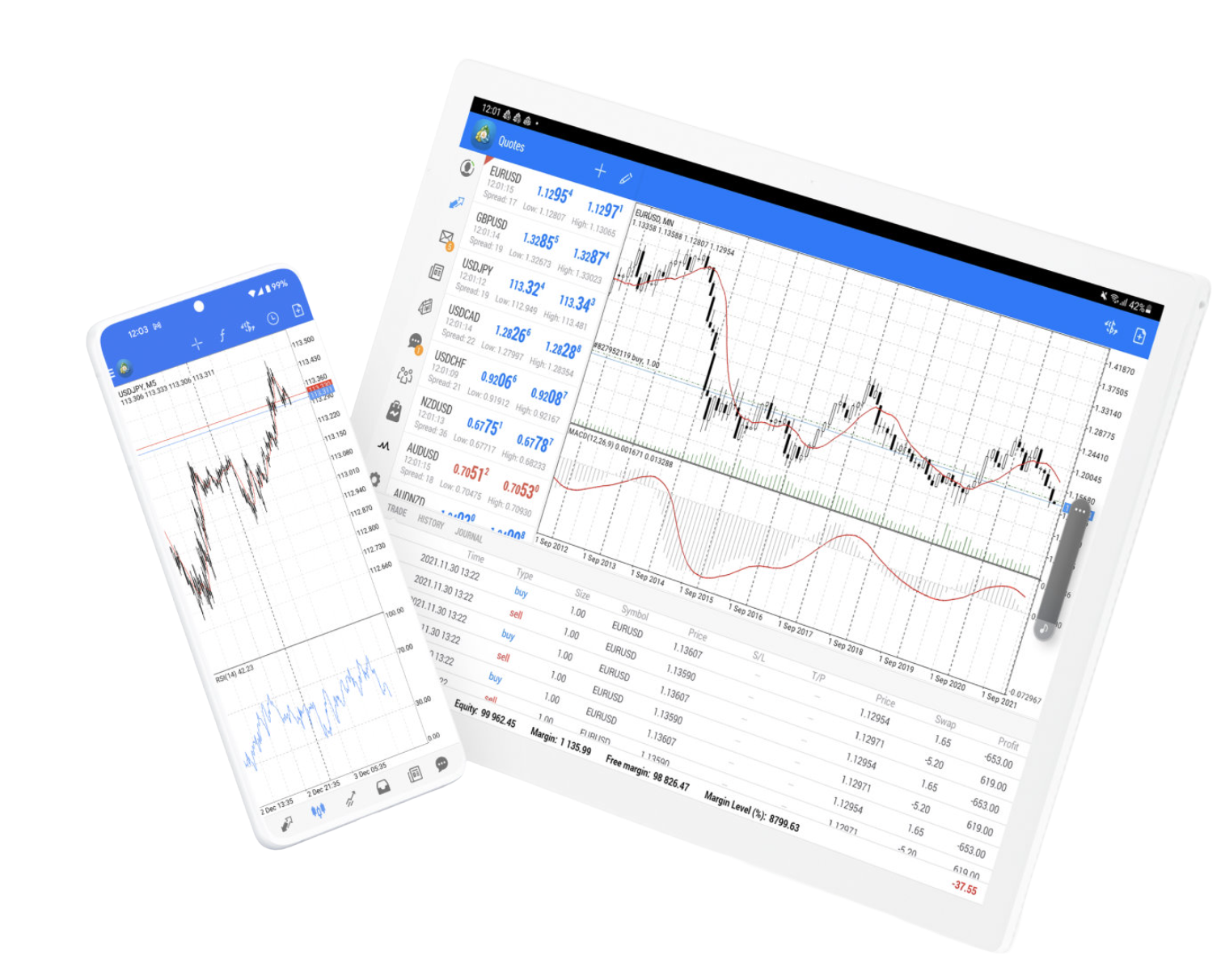
MetaTrader 4 for Android

MetaTrader 4 for Android connects supported phones and tablets to an existing broker account. After login, the app receives symbols, quotes, positions, account status and trading permissions from the selected broker server.

MetaTrader 4 on Android phones and tablets
  • Access MT4 from Android phones and tablets
  • Sign in with an existing broker account
  • Load symbols and real-time quotes from the server
  • Use charts and supported mobile technical indicators
  • Manage supported orders and open positions
  • Review account status and trading history

MetaTrader 4 WebTerminal: Trade from a Browser

MetaTrader 4 WebTerminal provides browser-based access without installing the desktop Client Terminal.

Account access still requires a valid trading login, password and broker server. WebTerminal can provide quotes, charts, orders, positions and account information, but it does not include the desktop MQL4 development environment, MetaEditor, Expert Advisor runtime or Strategy Tester.

MetaTrader 4 WebTerminal browser trading interface

Desktop, Mobile and WebTerminal: What Is Different?

MetaTrader 4 terminals can connect to the same type of broker trading account, but their local capabilities are different. The desktop terminal provides the full MQL4 and automated-trading environment. Mobile apps are designed for trading and account monitoring from phones and tablets, while WebTerminal provides browser-based account access.

Desktop: Full MT4 Trading and MQL4 Environment

The desktop environment includes interactive charts, technical indicators, MQL4 programs, Expert Advisors, MetaEditor and Strategy Tester. It is the primary MT4 environment for developing, running, testing and optimizing automated trading programs.

Mobile and Web: Trading Account Access

Mobile apps and WebTerminal focus on broker quotes, charts, supported order functions, positions and account monitoring. They do not provide the complete desktop MQL4, Expert Advisor development and Strategy Tester environment.

MetaTrader 4 System Requirements and Installation

Desktop installation differs by operating system. The MT4 Client Terminal supports Windows 10 and Windows 11. The macOS installer automatically installs and configures Wine, while Linux also uses Wine as its compatibility layer. The current MetaTrader 4 release is Build 1490, published on October 2, 2026.

Windows 10 and Windows 11

MetaTrader 4 Client Terminal currently supports Windows 10 and Windows 11. Hardware requirements depend on how the platform is used, including the number of open charts, active instruments and MQL4 applications running in the terminal.

macOS Big Sur 11 or Later

The current macOS installer automatically identifies the system, downloads and configures Wine, then installs MetaTrader 4. MetaTrader documentation currently lists macOS Big Sur 11 as the minimum version and supports modern Apple processors.

Linux Through Wine

MetaTrader 4 runs on Linux through Wine. Installation scripts are available for supported Ubuntu and Debian environments to install Wine and launch the MT4 platform installer. Keeping both Linux and Wine updated can improve compatibility and stability.

Connect MetaTrader 4 to Your Broker Account

Downloading and installing MetaTrader 4 provides the trading terminal, not a live brokerage account. To load real or demo account data, use the account login, password and matching broker server. The broker server supplies the symbols, quotes, positions, account status and execution conditions available to that account.

Enter the Trading Account Login and Password

Use the credentials assigned to the trading account. Successful authentication allows MT4 to load account information such as balance, open positions, pending orders and trading history. Installing MT4 alone does not supply these credentials.

Select the Correct Broker Server

A MetaTrader 4 account belongs to a specific broker-server environment. The account login and password may still fail if the wrong server is selected. Confirm the server name supplied by the broker before troubleshooting the terminal itself.

Confirm Quotes, Symbols and Account Status

After login, check that Market Watch quotes, available symbols, balance, positions and history are updating. Instruments, spreads, leverage, market hours and execution conditions are supplied by the connected broker account, not by the MT4 installer.

MetaTrader 4 Download and Installation FAQ

Answers about downloading MT4 for Windows, macOS, Linux and mobile devices, using WebTerminal and connecting the installed terminal to a broker trading account.

Where can I download MetaTrader 4?

MetaTrader 4 is available for Windows, macOS, Linux through Wine, and supported mobile devices. WebTerminal also provides browser-based access without installing the desktop Client Terminal.

Which Windows versions support MetaTrader 4?

The current MetaTrader 4 Client Terminal documentation lists Windows 10 and Windows 11. Actual hardware requirements depend on the number of charts, instruments and MQL4 applications being used at the same time.

Can I install MetaTrader 4 on a Mac?

Yes. MetaTrader provides a dedicated macOS installer that automatically downloads and configures Wine before installing the platform. Current documentation lists macOS Big Sur 11 as the minimum supported version and supports modern Apple processors.

Can MetaTrader 4 run on Linux?

Yes. MT4 runs on Linux using Wine. MetaTrader provides installation scripts for Ubuntu and Debian environments that install the required Wine components and then run the platform installer.

What is the difference between MT4 desktop and mobile?

Desktop MT4 includes the complete chart workspace, MQL4, Expert Advisors, MetaEditor and Strategy Tester. Mobile terminals focus on quotes, charts, trading orders, positions and account monitoring from smartphones and tablets.

Does MetaTrader 4 WebTerminal require installation?

No. WebTerminal runs in a web browser. You still need the trading account login, password and matching broker server, and browser access must be available for the connected trading environment.

Do I get a trading account when I install MetaTrader 4?

No. MetaTrader 4 is trading software, not a brokerage service. A live trading account is provided by a broker or trading institution. You then use that account's credentials and server details to connect MT4.

What is the current MetaTrader 4 version?

As of October 2, 2026, the current MetaTrader 4 release is Build 1490. The release includes security enhancements, bug fixes, stability improvements and changes to Stop Loss and Take Profit management for positions operating under FIFO mode.

Download MetaTrader 4 - Windows Mac Linux Mobile